 XCIPTV Player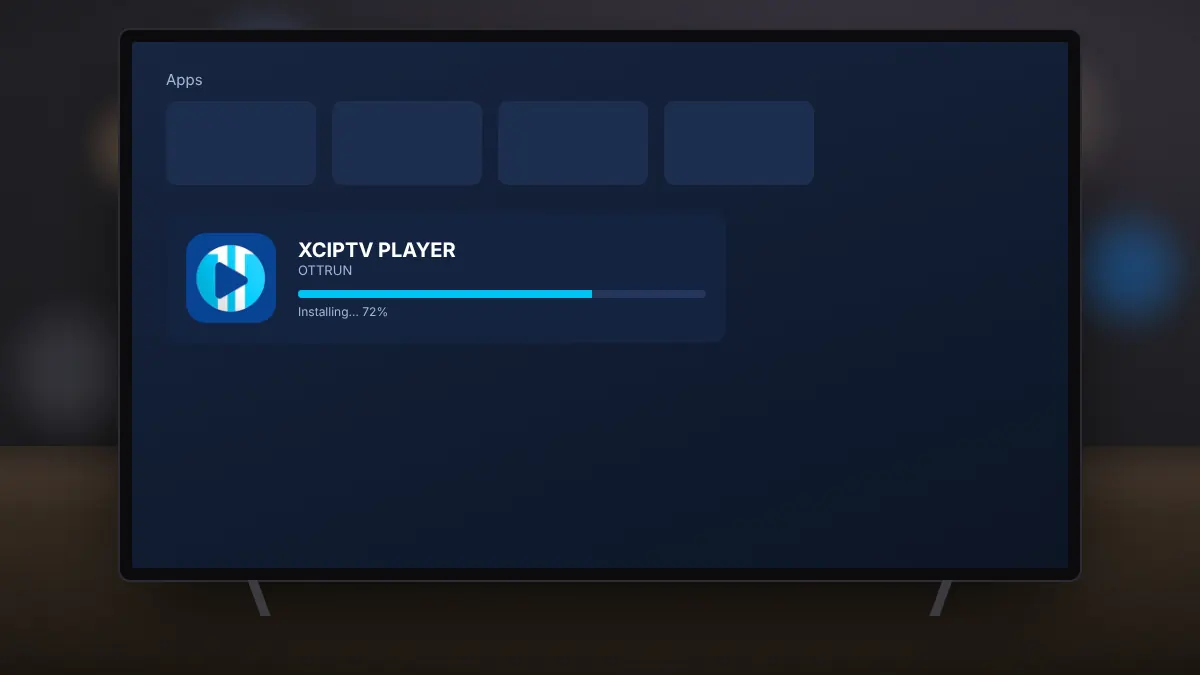
How to Install XCIPTV Player on Android Phones and TVs
Get the free app from Google Play on a phone, tablet or Android TV and prepare it for your provider's login.
Read fullEverything you need to install XCIPTV Player, sign in with your provider and enjoy smooth live TV, from Fire TV setup to recording and fixing buffering.
Get the free app from Google Play on a phone, tablet or Android TV and prepare it for your provider's login.
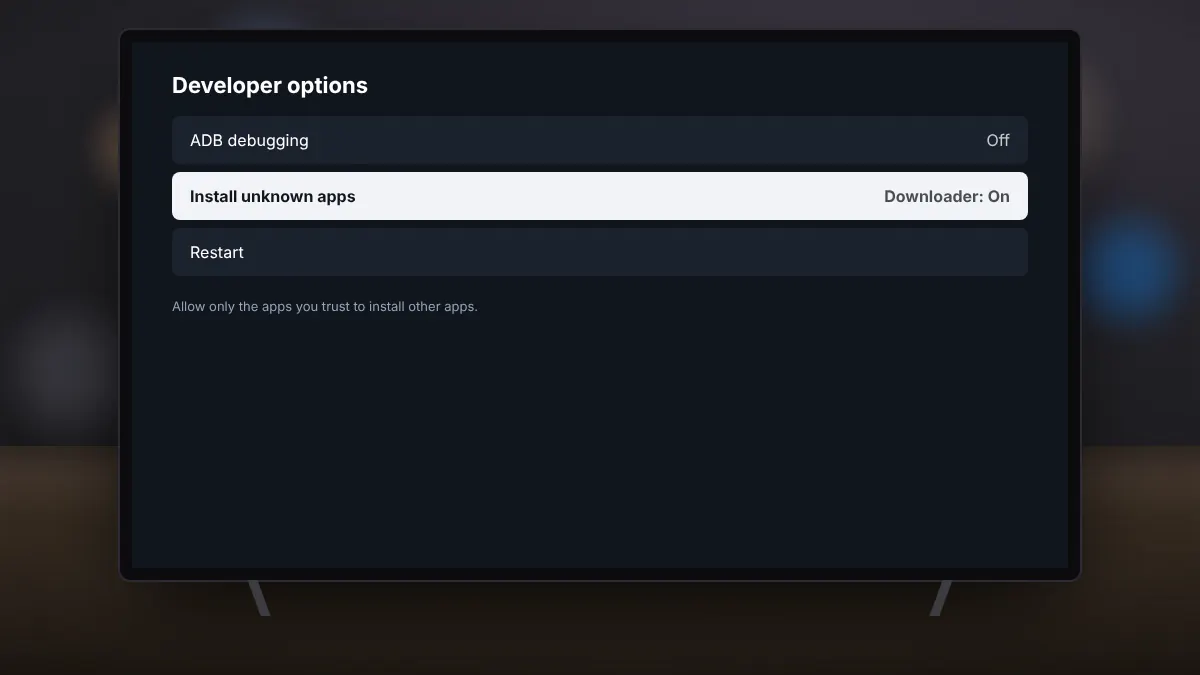
Read fullSideload the original APK safely with the Downloader app and the right developer settings.
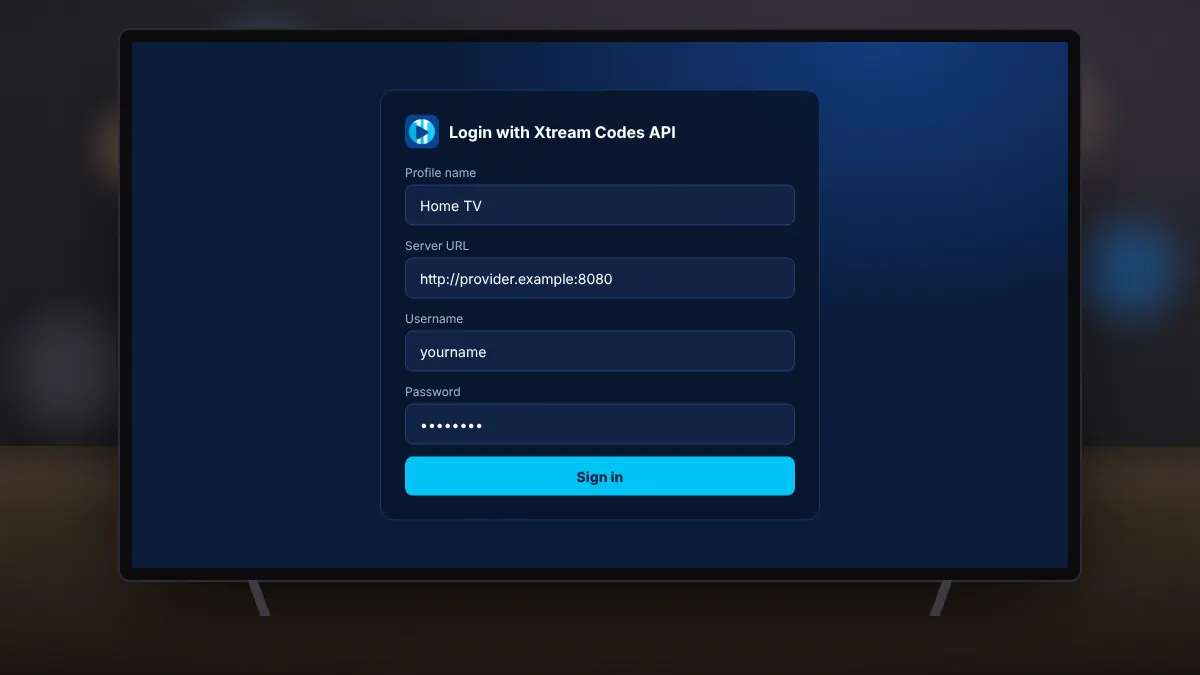
Read fullEnter your provider's server, username and password, and fix the most common login errors.
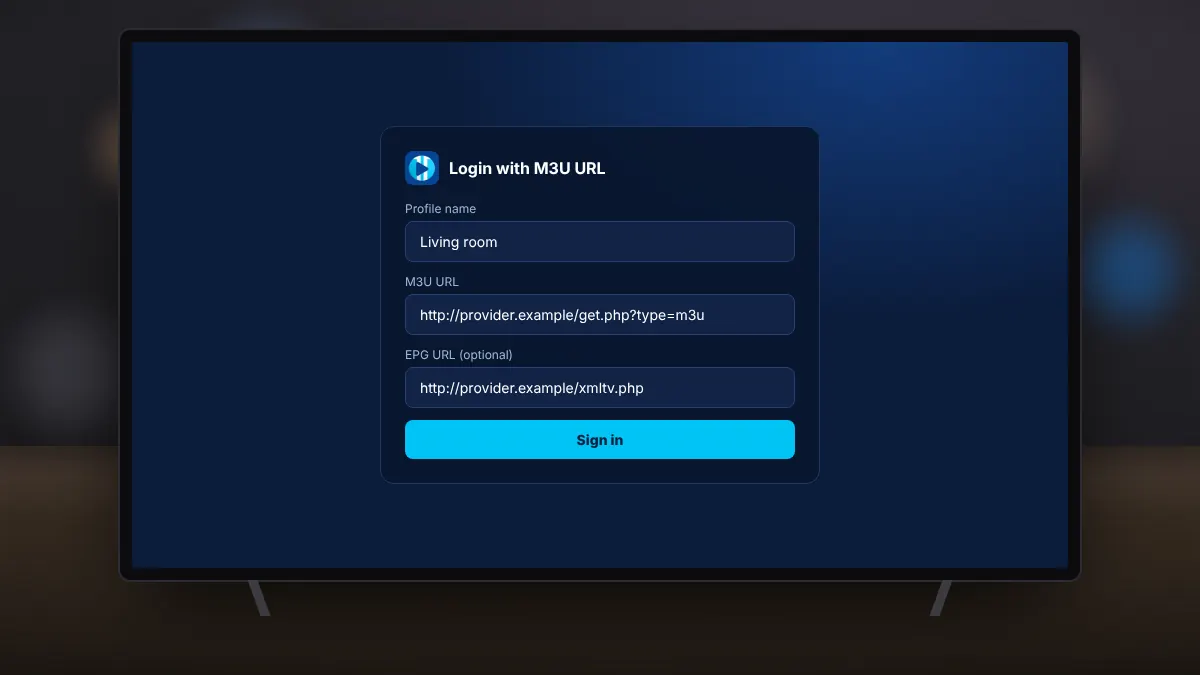
Read fullLoad a playlist link, add a matching TV guide, and fix empty channel lists.
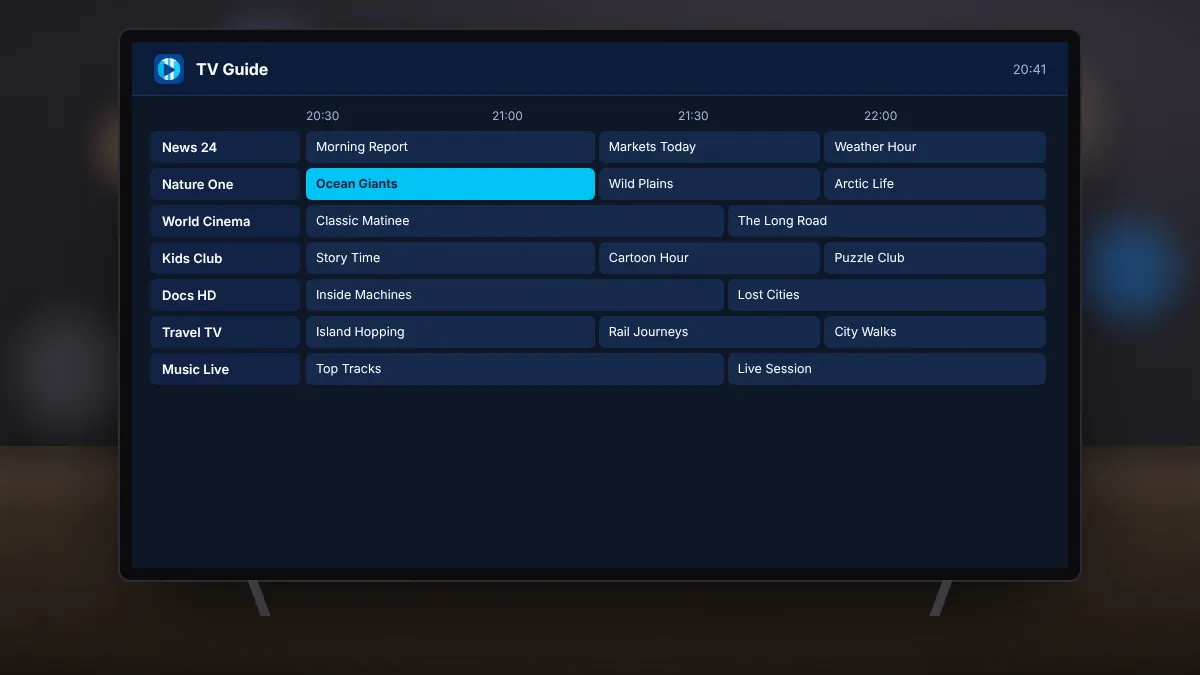
Read fullBrowse the programme guide, rewind to earlier shows and never miss a start time.
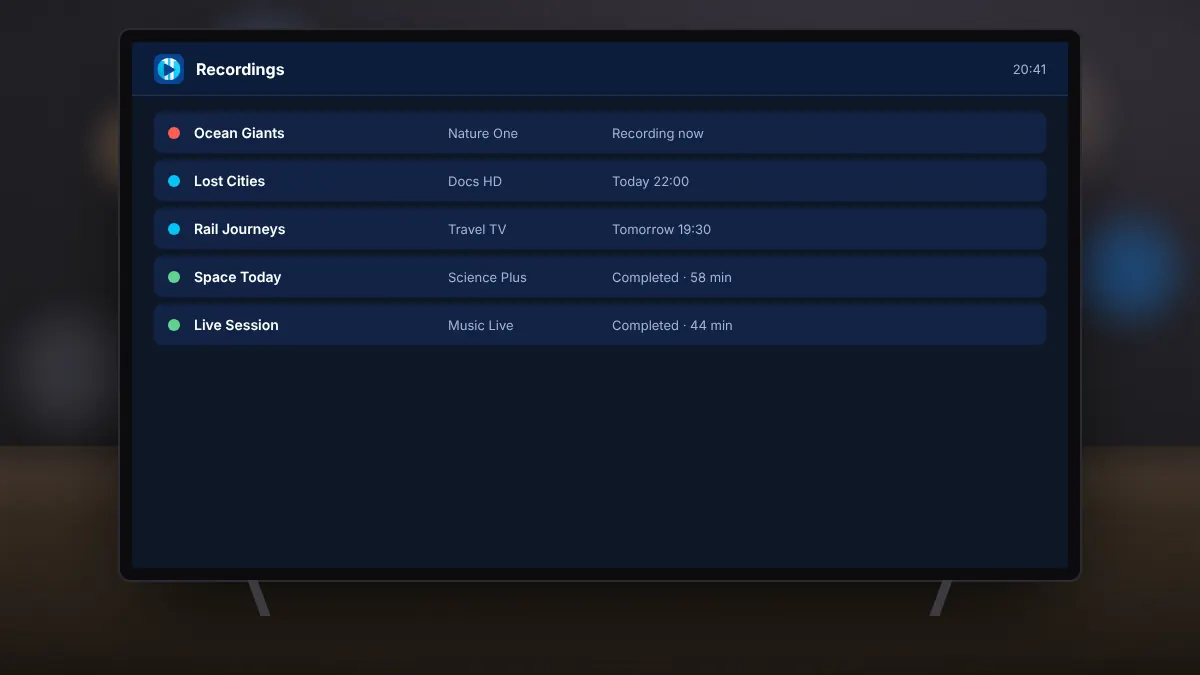
Read fullSchedule recordings from the guide, choose where they are stored, and manage saved shows.
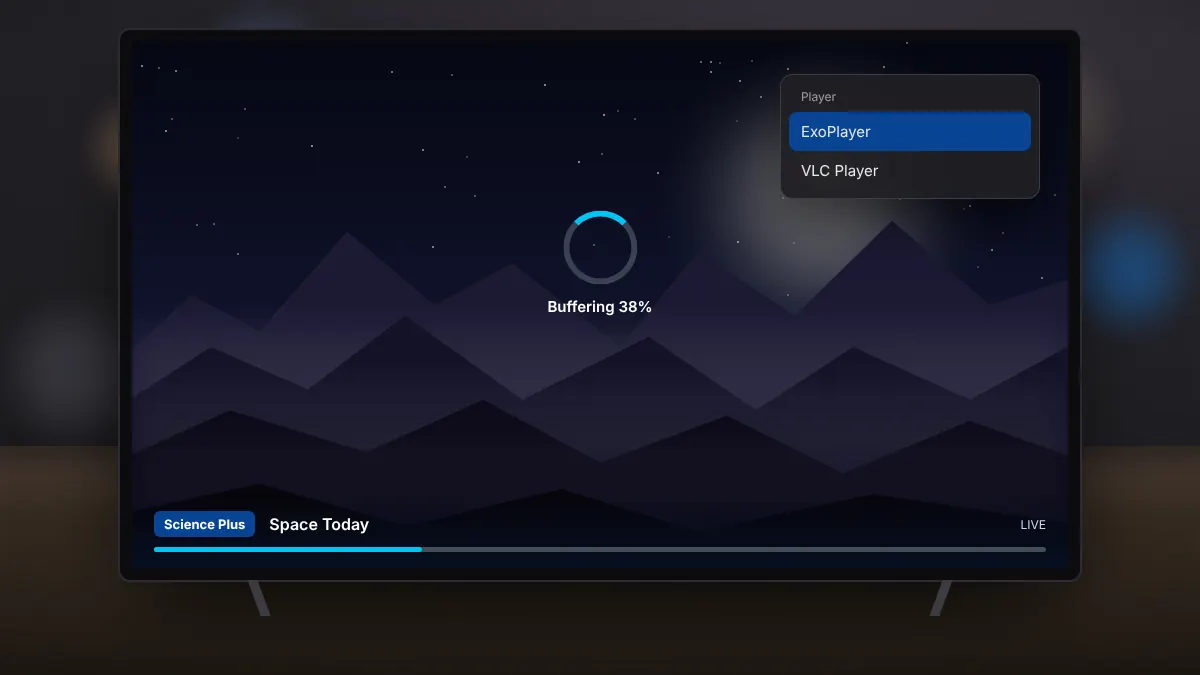
Read fullSwitch player engines, tune the buffer and improve your connection for smooth live TV.
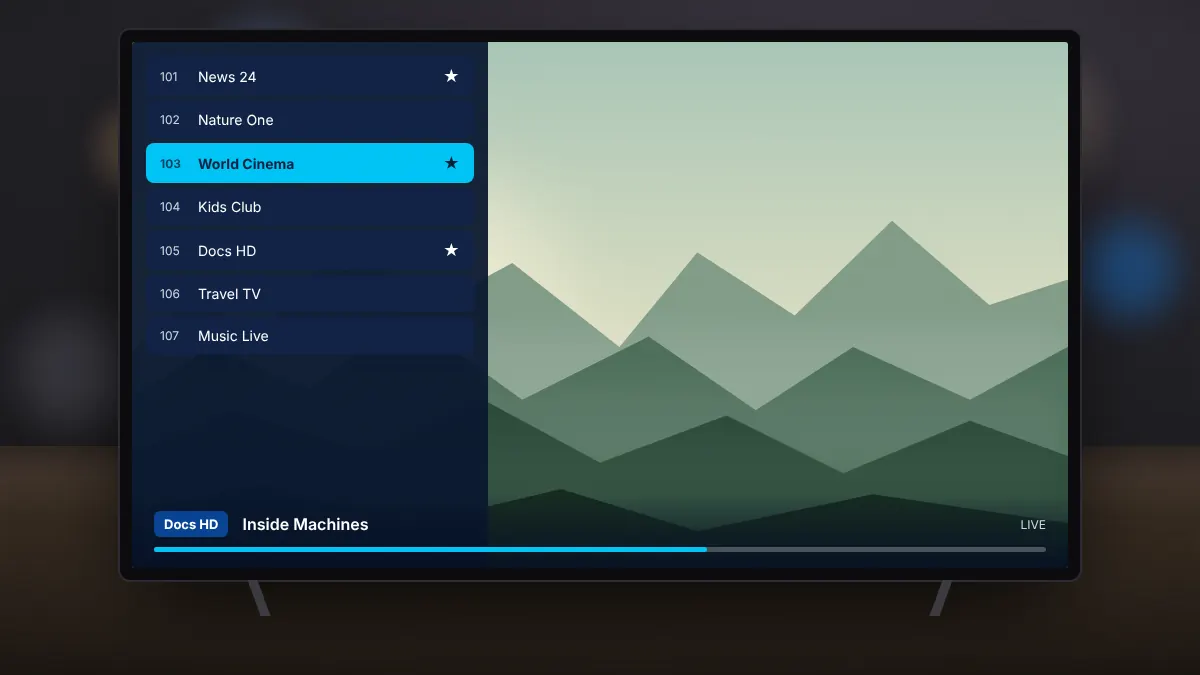
Read fullKeep your favourite channels and settings safe, and move them to a new device in minutes.
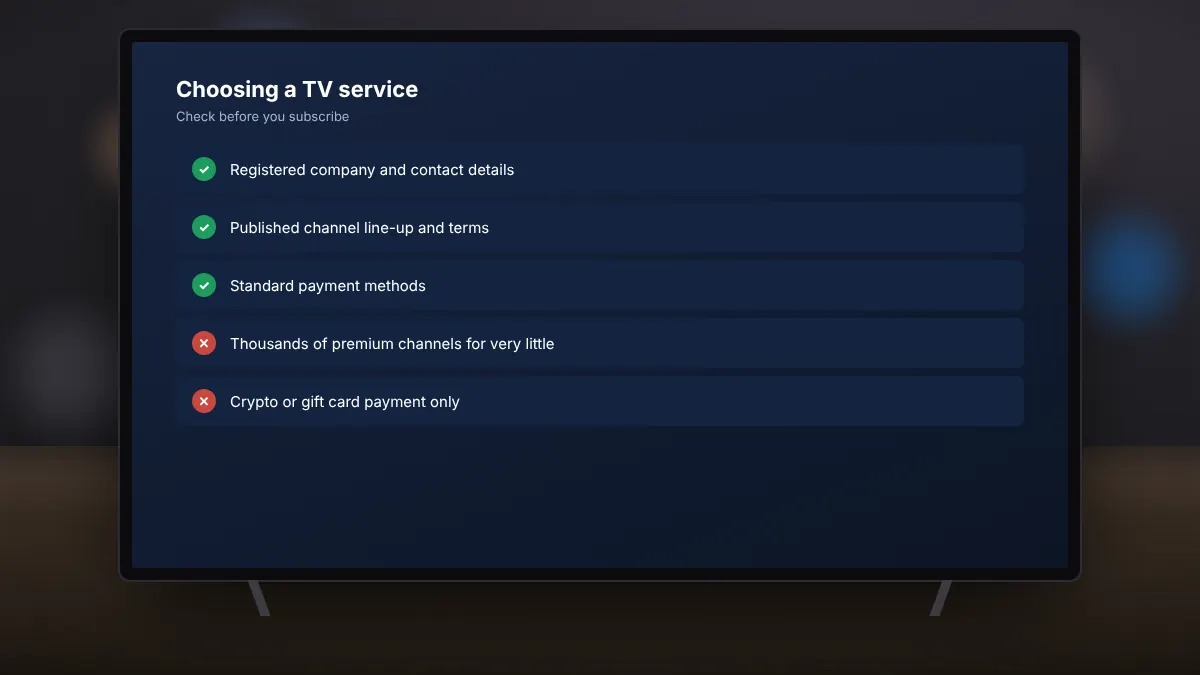
Read fullWarning signs of unlicensed services, and what a legitimate provider looks like.
Read full