 XCIPTV Player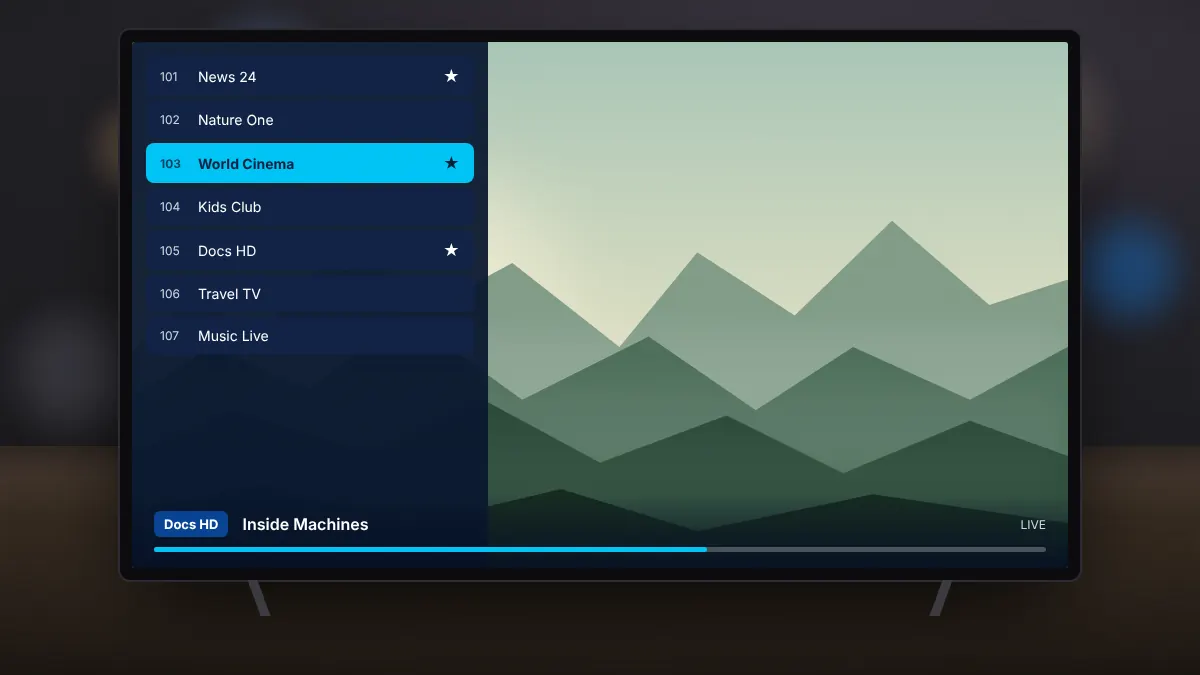
Long channel lists are easier to manage when your favourites are one click away. XCIPTV Player lets you mark favourites for live TV, films and series, and back everything up so you can restore it later.
Adding favourites
Highlight a channel, film or series and press and hold the select button on the remote, or use the options menu, then choose to add it to favourites. Your favourites appear in their own section on the home screen.
Organising the list
- Remove items you no longer watch to keep the list short.
- Hide whole channel groups you never use.
- Use the search to find a channel quickly by name.
Backing up
Open the settings and choose backup. The app saves your profiles, favourites and preferences. Store the backup somewhere safe, such as a USB drive or cloud storage you control.
Restoring on a new device
- Install XCIPTV Player on the new phone or TV box.
- Open the settings and choose restore.
- Select your backup. Your profiles and favourites return in moments.
Backups can contain your login details. Keep them private and delete old copies you no longer need.