 XCIPTV Player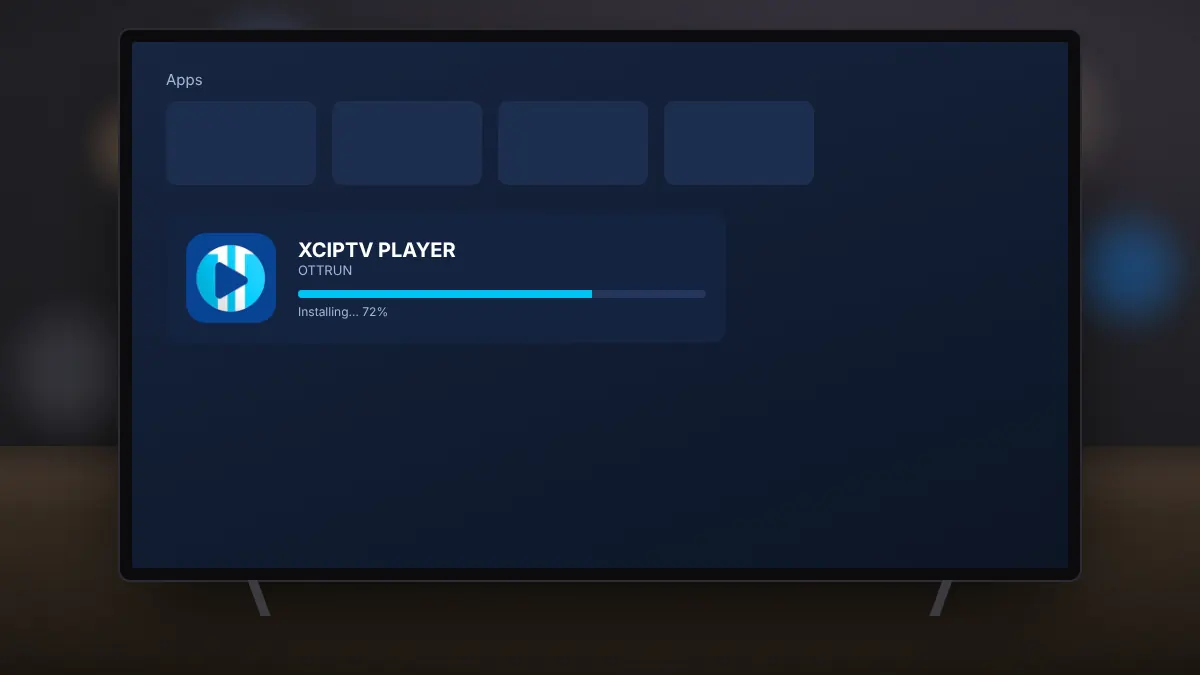
XCIPTV Player is a free IPTV player for Android, developed by OTTRUN. It does not come with any channels. Instead, it connects to the service you already subscribe to, using the login details your provider gives you. This guide covers installing it on phones, tablets and Android TV devices.
What you need
- An Android phone, tablet or Android TV device with Google Play.
- A stable internet connection, ideally 10 Mbps or faster for HD.
- Login details from your IPTV provider: an Xtream Codes login, an M3U playlist link or an EZServer account.
On a phone or tablet
- Use the download section on our homepage, which opens the official XCIPTV Player listing in Google Play.
- Check that the developer is shown as OTTRUN, then select Install.
- Open the app once it has installed.
On Android TV or Google TV
- Open the Google Play Store on the TV using the remote.
- Search for XCIPTV Player and select the listing from OTTRUN.
- Choose Install, then open the app from the Apps row on the home screen.
If you prefer, you can also install it from the Google Play website on a computer and choose your TV as the target device.
First launch
The app asks you to choose a login type. Pick the one that matches the details from your provider. Our separate guides explain the Xtream Codes and M3U options step by step.
Keeping it updated
Leave automatic updates switched on in Google Play. New versions add support for newer Android releases and fix playback issues, such as the recent update that added support for newer memory page sizes on modern devices.
Common problems
- The app is not listed on your TV: some devices without Google Play need the Fire TV method in our sideloading guide.
- The app closes on launch: update Android System WebView and Google Play services, then restart the device.