 XCIPTV Player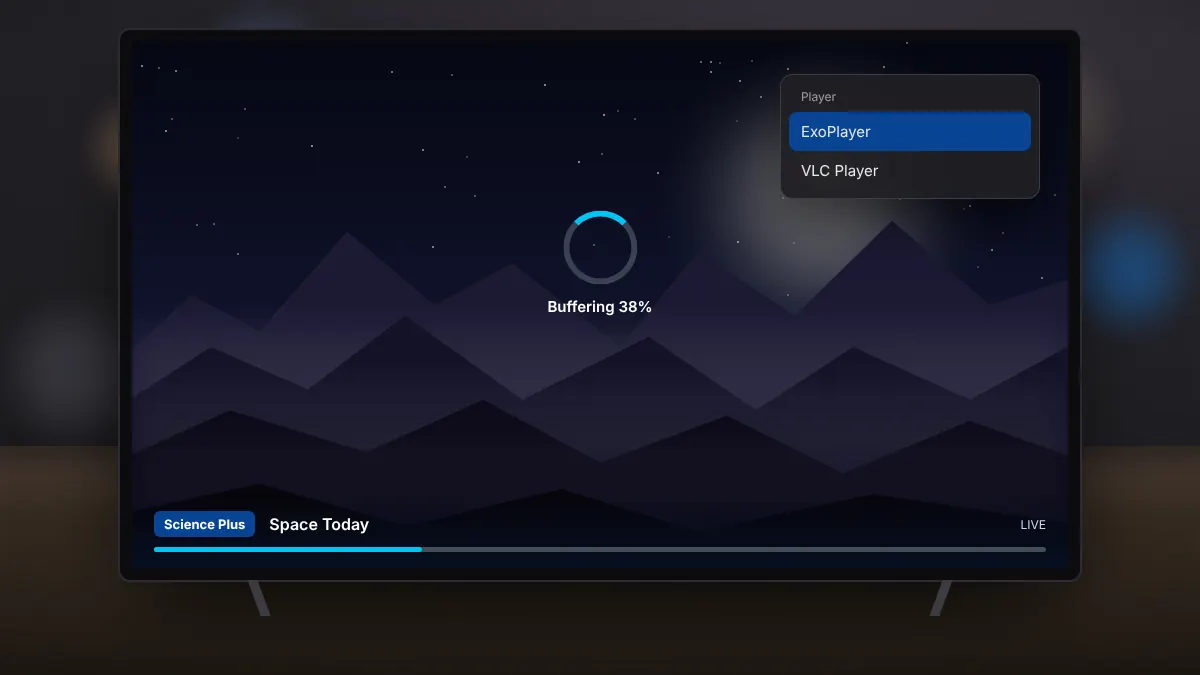
Live IPTV depends on a steady flow of data from your provider to your TV. When that flow is interrupted, the picture freezes or buffers. Most problems can be fixed with a few changes.
Switch the player engine
XCIPTV Player includes two built-in players: ExoPlayer and VLC. Some channels play more smoothly in one than the other. Change the default player in settings, or switch for an individual channel, and compare.
Improve your connection
- Use a wired Ethernet connection for TV boxes when possible.
- On Wi-Fi, use the 5 GHz band and keep the device close to the router.
- Pause large downloads and cloud backups on other devices.
- Restart the router and the TV device if speeds have dropped.
Adjust the buffer
A larger buffer gives the player more data in reserve, which helps on unstable connections. It may add a short delay before channels start.
Free up the device
Streaming sticks have limited memory. Close apps running in the background and clear the cache of XCIPTV Player from Android settings if it has grown large.
Check whether it is the provider
If every channel buffers at the same time, especially during big live events, the provider's servers may be overloaded. Test another channel and another time of day. If problems persist, contact your provider.
Quick checklist
- Try the other player engine.
- Use a cable or the 5 GHz Wi-Fi band.
- Increase the buffer size.
- Restart the router and device.
- Ask your provider about server load.