How to Install XCIPTV Player on Android Phones and TVs
Get the free app from Google Play on a phone, tablet or Android TV and prepare it for your provider's login.
Read fullXCIPTV Player is a free app by OTTRUN that turns the IPTV service you already subscribe to into a tidy, remote-friendly TV experience. Sign in with your provider's Xtream Codes, M3U or EZServer details and get live channels, a full programme guide, films and series in one place.
This independent guide covers installing it safely, signing in and getting smooth playback on every screen in your home.
XCIPTV Player supports the three login types IPTV providers use most. Your provider tells you which one your account uses and sends the details you need.
The most common option. It loads channels, films, series and the guide in one step.
You need
A single web address listing all channels. Add a separate guide link for programme data.
You need
Used by services built on the EZHometech platform, with guide support built in.
You need
If your provider offers both Xtream Codes and M3U, choose Xtream Codes. It loads films, series and the guide automatically and is much shorter to type with a remote. Step-by-step help is in our Xtream Codes guide and M3U playlist guide.
You can save several profiles in the app and switch between them, which helps when a household has more than one subscription or when you are testing a new provider. Each profile keeps its own channel list, guide data and favourites, so nothing gets mixed up, and the backup feature saves all of them at once.
A player built for the living room: fast to navigate with a remote, simple to set up, and complete enough that you rarely need anything else to watch your IPTV service.
Sign in with the login type your provider supplies. Live TV, films, series and the guide load from one account.
Switch between ExoPlayer and VLC engines, with adaptive HLS streaming, to find the smoothest playback for each channel.
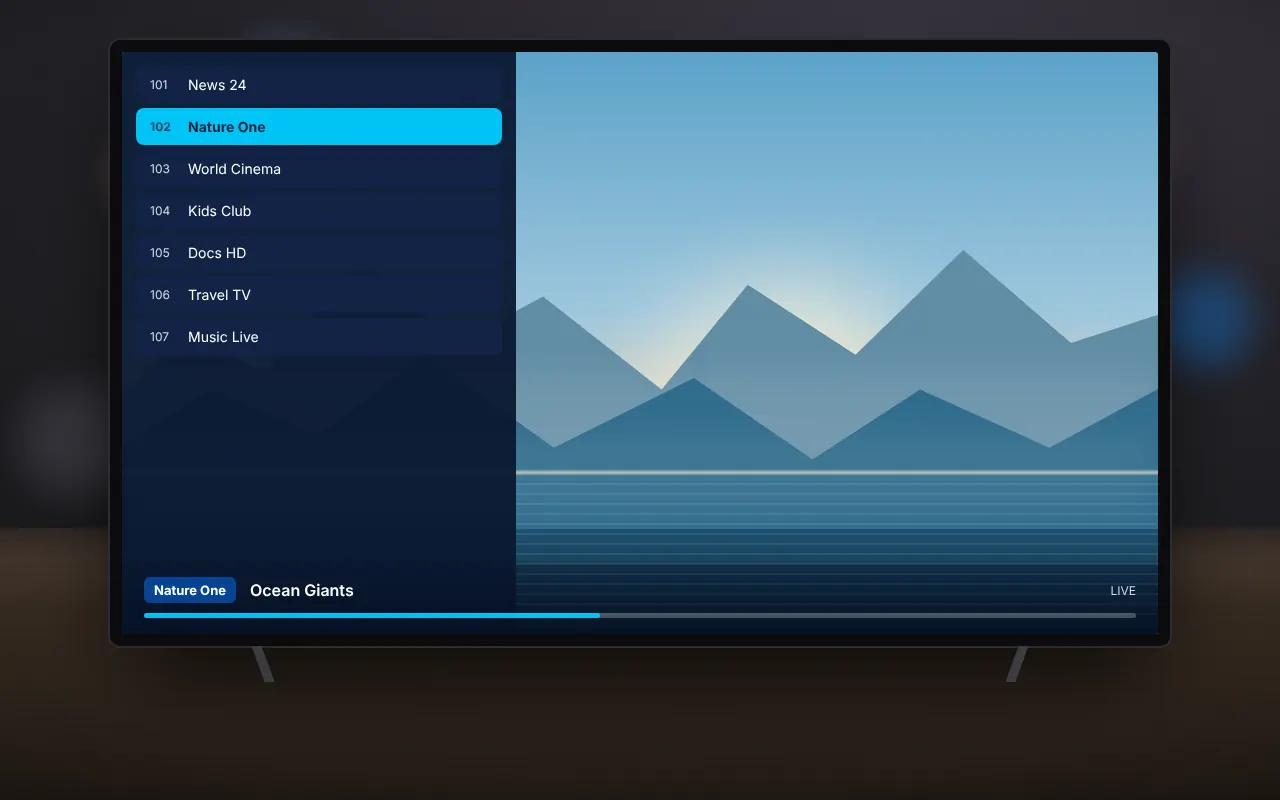
A full electronic programme guide shows what is on now and next, and supports catch-up where your service offers it.
Films come with IMDb details, and series are organised by season and episode so you always know what is next.
Schedule recordings to internal or USB storage, and set reminders from the guide so you never miss a start time.
Pin your favourite channels, films and series, then back up your profiles to move them to a new device.
The app is designed around the TV remote. Every screen can be reached with the arrow keys and the select button, channel groups and favourites keep long lists manageable, and the guide behaves like a traditional TV schedule. On a phone or tablet the same layout adapts to touch, so you can take your service with you around the house.
Two playback engines are a practical advantage. ExoPlayer is efficient and works well with adaptive HLS streams, while the VLC engine copes with a wider mix of formats. If a channel stutters or will not start, switching engine is often all it takes, and you can set a default for everything or change it for individual channels.
XCIPTV Player is light and runs on most Android devices from the last few years. These are practical recommendations for smooth live TV.
| Item | Recommendation |
|---|---|
| Operating system | Android 5.0 or newer; Android TV, Google TV and Fire OS are supported |
| Memory | 2 GB RAM or more for smooth channel switching |
| Storage | About 50 MB for the app and data; more for recordings |
| Internet speed | 10 Mbps for HD channels, 25 Mbps or more for 4K |
| Connection | Ethernet or 5 GHz Wi-Fi for TV boxes |
| Subscription | Login details from a licensed IPTV provider |
Streaming sticks with only 1 GB of memory can run the app but may pause when switching channels quickly. Closing other apps and using a wired connection makes the biggest difference on budget devices. If channels still buffer, our buffering guide explains how to switch between the ExoPlayer and VLC engines and tune the buffer.
The electronic programme guide is where XCIPTV Player feels most like regular television, and it is the starting point for catch-up, reminders and recordings.
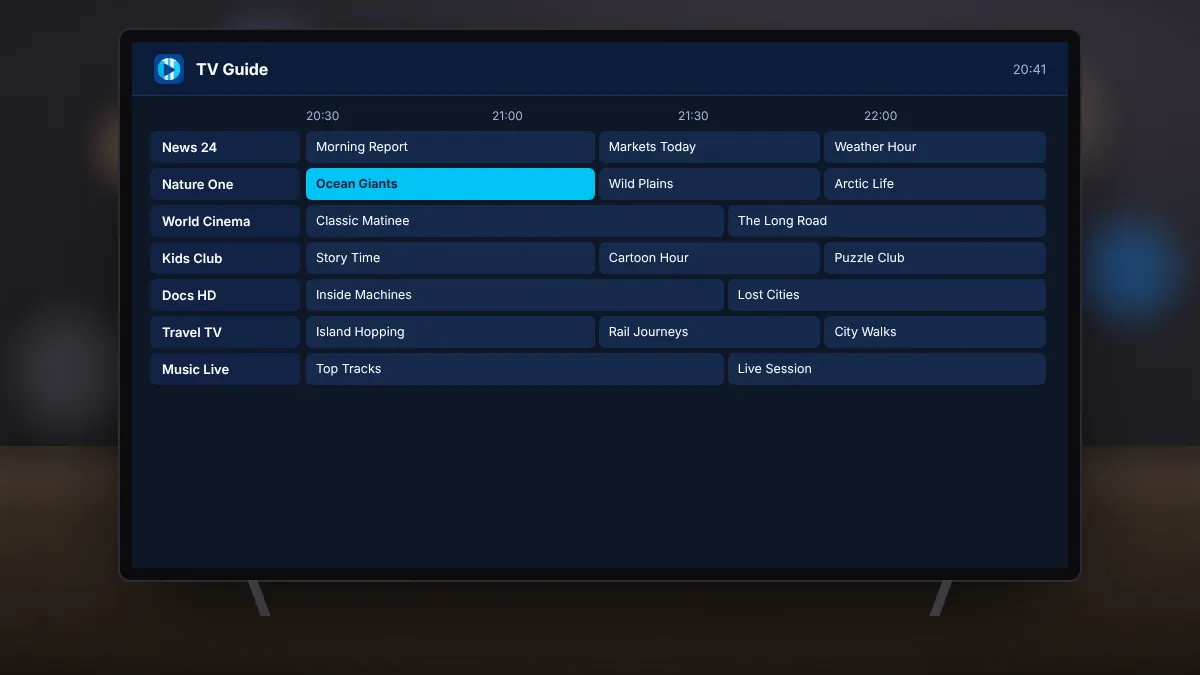
How far back catch-up reaches, and whether recording is allowed, depends on your provider's plan. The guide data itself comes from your Xtream Codes or EZServer account, or from the EPG link supplied with an M3U playlist. See our guides to the TV guide and catch-up and recording.
Free from OTTRUN, about 11 MB, and updated regularly. Choose the option that matches your device.

Install directly from Google Play. Updates arrive automatically and the app is verified by Play Protect.
Download from Google PlayUse the original, unmodified APK signed by OTTRUN, then follow our Fire TV guide to sideload it.
Download XCIPTV APKXCIPTV Player contains no channels. You need login details from an IPTV service you subscribe to legally. The app is free and supported by ads.
XCIPTV Player is legal software and contains no channels. What matters is the service you connect it to. Unlicensed services put your money, devices and personal data at risk.
Choosing a licensed provider also means reliable service during big events, real customer support and no risk of the service disappearing with your payment. Read more in our guide on how to tell if an IPTV service is legal.
Many broadcasters and licensed operators now offer IPTV access directly, and some publish free channels as open streams. Using XCIPTV Player with these keeps your viewing legal, supports the people who make the programmes and protects your devices from the malware that often comes bundled with unofficial services and modified apps. If a provider asks you to install a special version of the app, treat it as a warning sign.
Practical articles for the questions people ask most, from installing on a Fire TV Stick to fixing buffering.
Get the free app from Google Play on a phone, tablet or Android TV and prepare it for your provider's login.
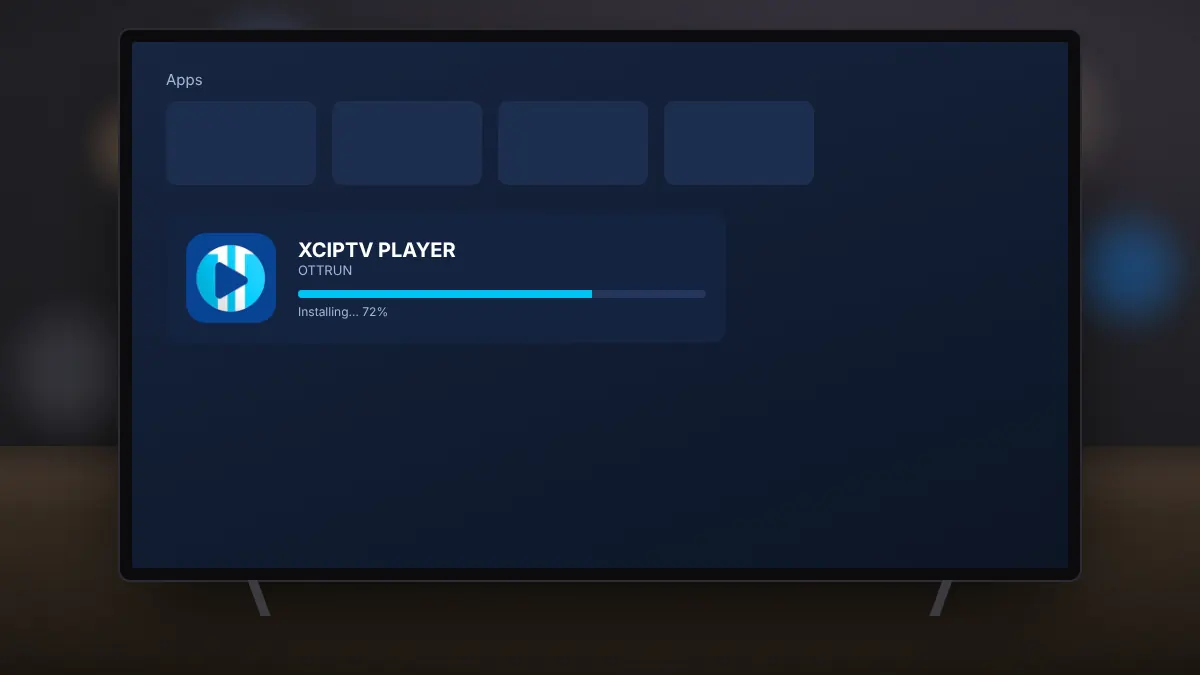
Read fullSideload the original APK safely with the Downloader app and the right developer settings.
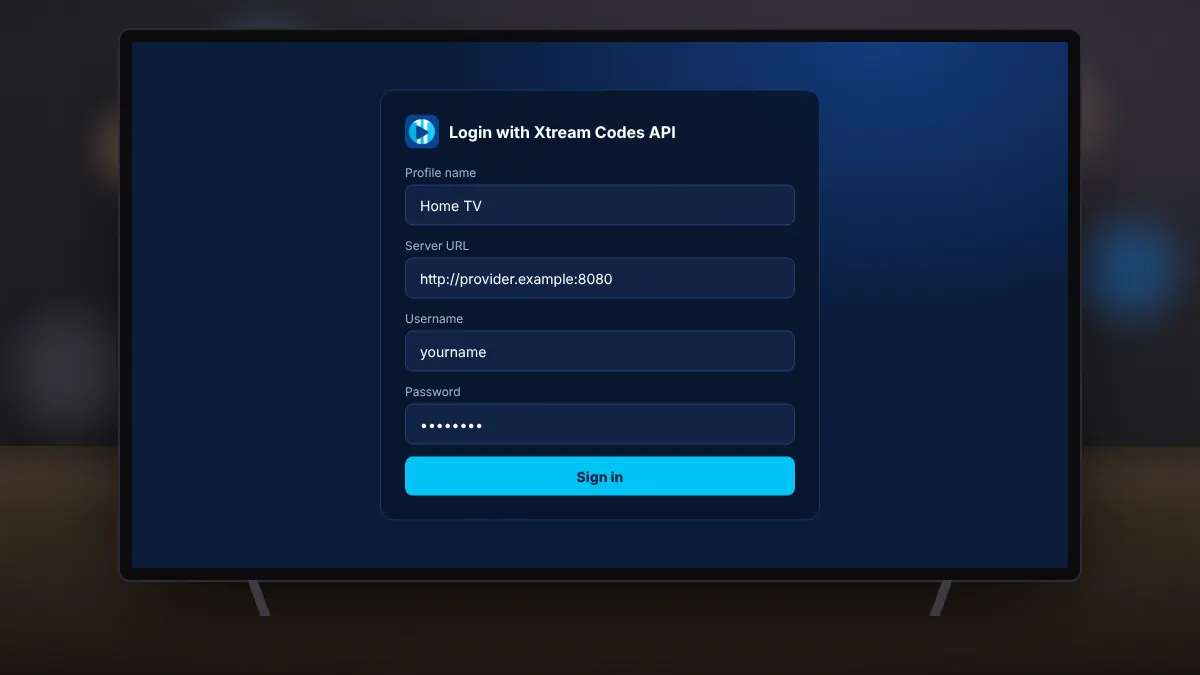
Read fullEnter your provider's server, username and password, and fix the most common login errors.
Read fullSetup takes a few minutes on any Android device. Fire TV owners use the same steps after sideloading the original APK.
Use the download section above to open XCIPTV Player in Google Play, published by OTTRUN.
Select Install on your phone, tablet or Android TV. Fire TV owners follow the sideloading guide.
Pick Xtream Codes, M3U or EZServer to match the details from your provider.
Enter your details, wait for channels and the guide to load, then start watching.
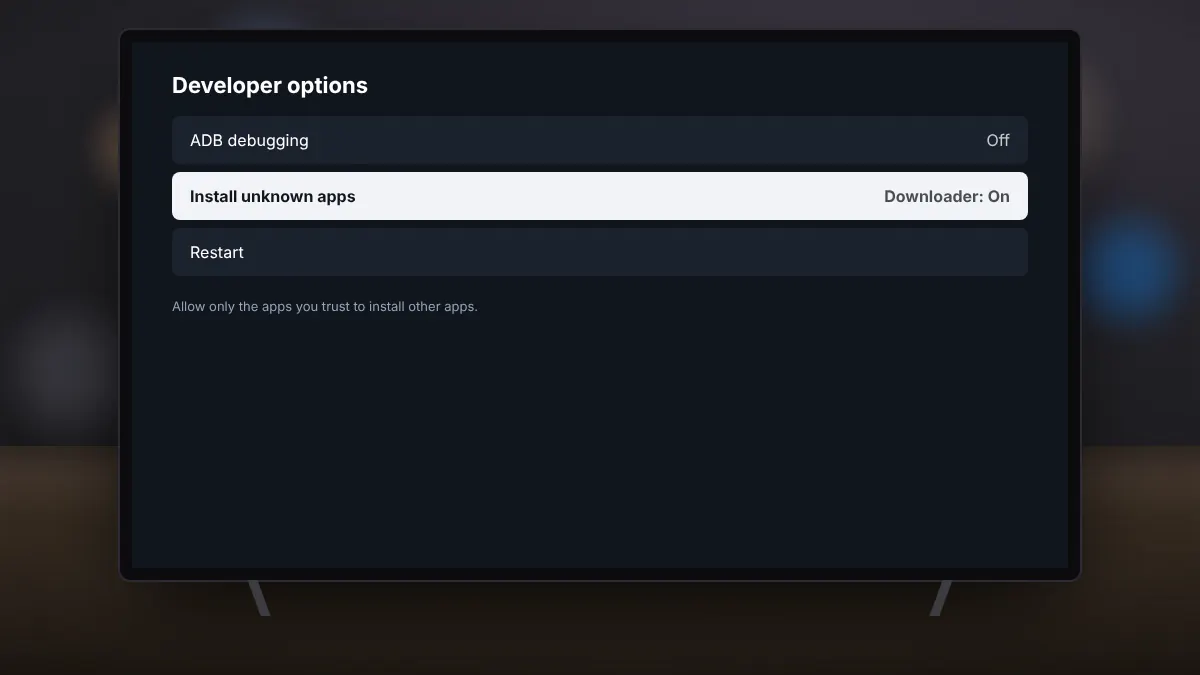
Installing on a Fire TV Stick or Fire TV Cube? Install the Downloader app from the Amazon Appstore, allow it to install unknown apps, and use it to fetch the original APK. Our Fire TV guide walks through each screen, and the Android guide covers phones, tablets and Android TV.
On phones, tablets and Android TV, Google Play keeps XCIPTV Player updated automatically. Sideloaded copies on Fire TV do not update on their own, so check for a new release every few months and install it over the old one. Making a backup in the app first means your profiles and favourites are safe even if something goes wrong during the update.
Quick answers about XCIPTV Player, login types, Fire TV, the TV guide and legal use.
XCIPTV Player is a free IPTV player app for Android phones, tablets and Android TV, developed by OTTRUN. It plays live TV, films and series from a service you subscribe to, using an Xtream Codes, M3U or EZServer login.
No. The app contains no channels or media. You need login details from an IPTV provider you subscribe to legally.
Yes. It is free to download from Google Play and is supported by ads.
The app itself is legal software. Whether your viewing is legal depends on the service you connect it to, so use a licensed provider.
Yes. Fire TV devices do not have Google Play, so install the original APK with the Downloader app after allowing it to install unknown apps. Our Fire TV guide explains each step.
An Xtream Codes login uses a server address, username and password and loads everything automatically. An M3U login uses a playlist link, with an optional separate link for the TV guide.
Refresh the guide data in settings and give it a minute to download. With an M3U login, make sure you have added the EPG link from your provider.
Try the other player engine, use a wired or 5 GHz Wi-Fi connection, increase the buffer size and restart your router. If every channel buffers at once, the provider's servers may be busy.
Yes. You can schedule recordings from the guide or record what you are watching, saving to internal storage or a USB drive, where your service allows it.
No. xciptvplayer.org is an independent guide and is not affiliated with OTTRUN or any IPTV provider. The download buttons open the official Google Play listing and a trusted source for the original APK.